

|
a   Translation Ad


Batch Files Printing v3.0
(Screenshots & Help File)
 
Click on Video Tour button to go through an video based tutorial

Step 1: Registration
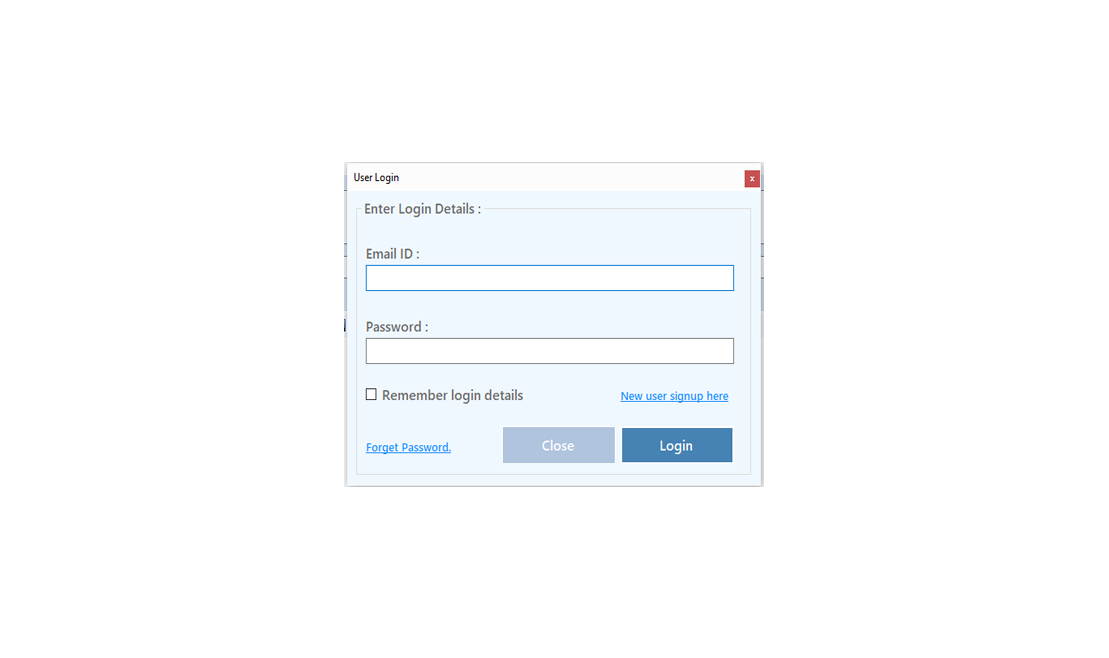
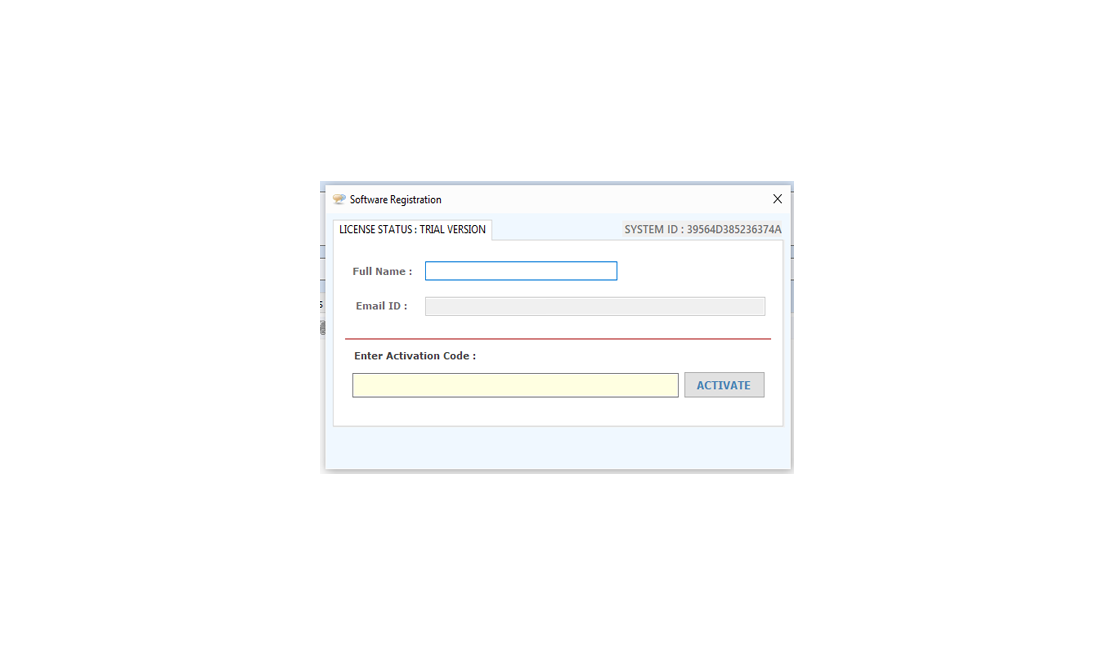
The screen shown as below will be display in the un-registered version every time.

registration

registration

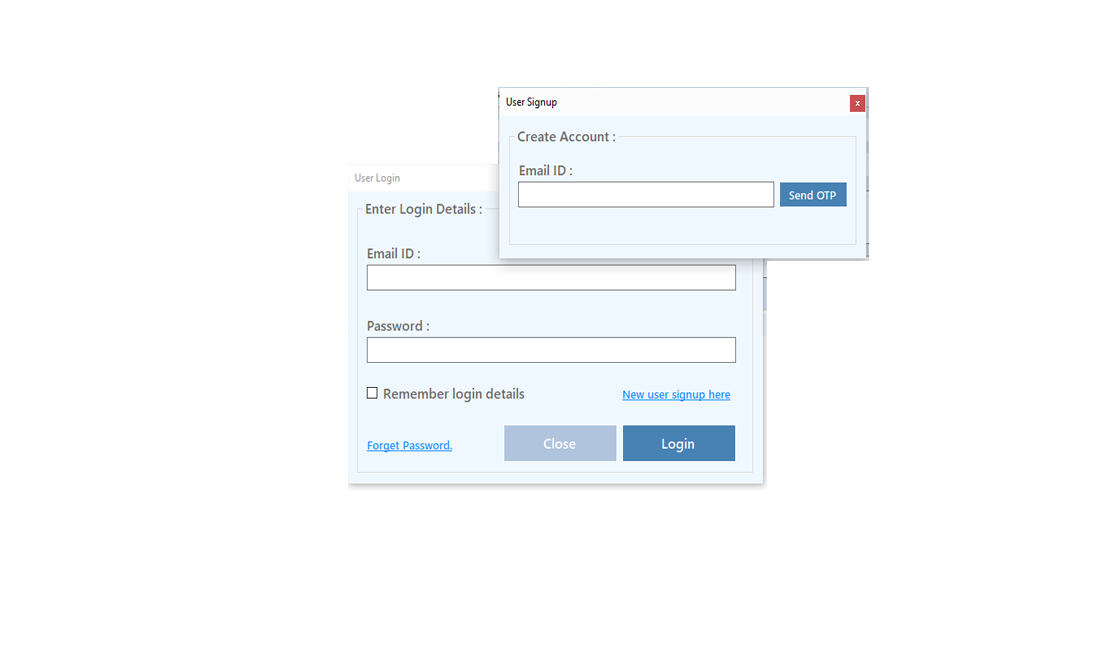
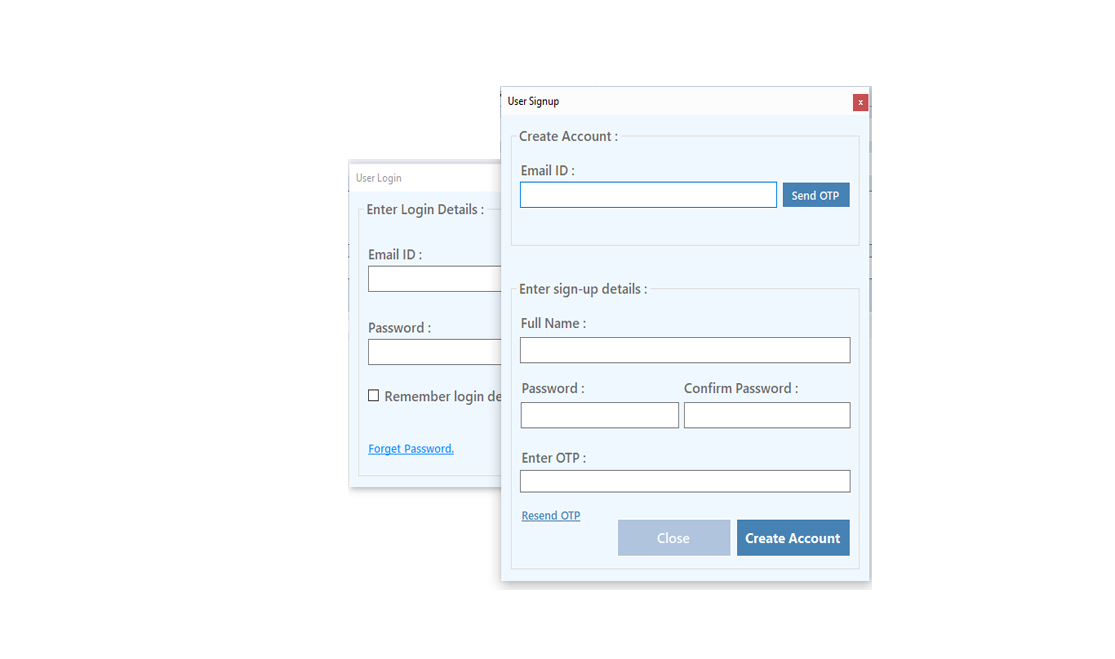
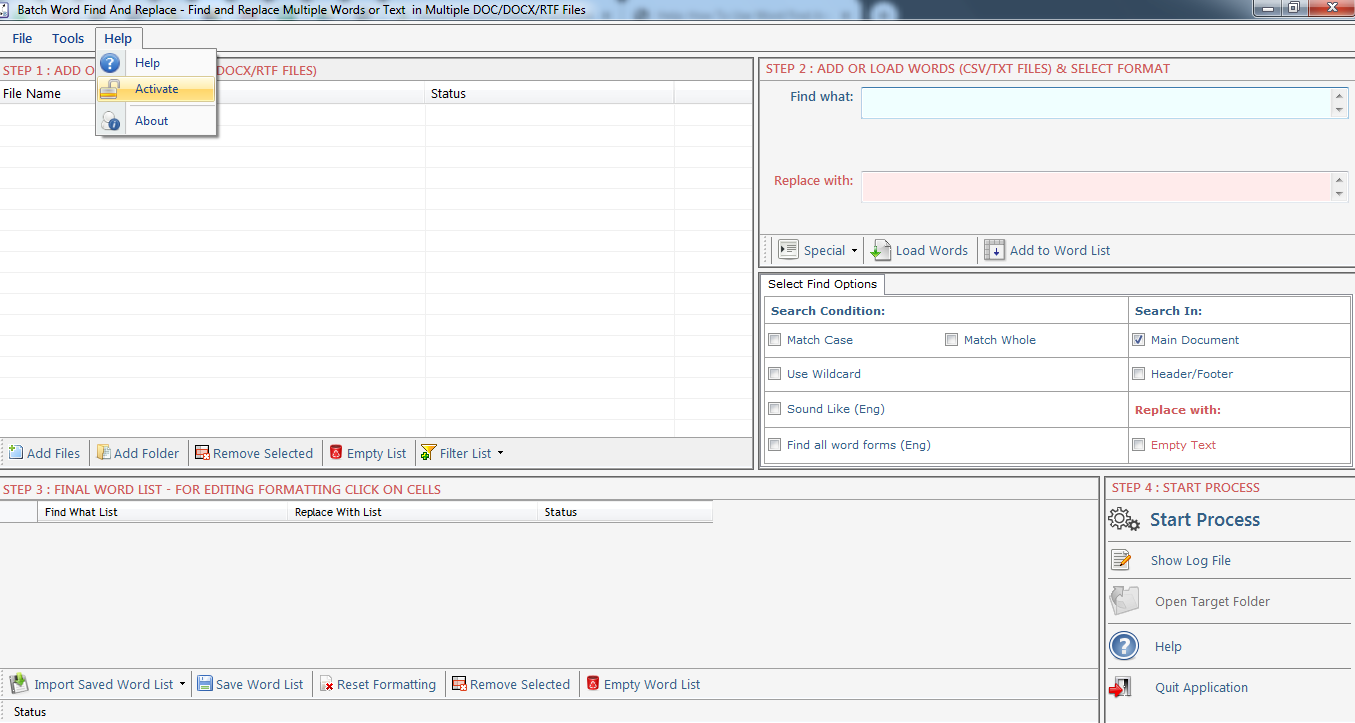
Register: To register the "Batch Files Printing" click on the "Activate Application" Button and fill the Registeration Detail with the Activation Code.

Buy : You have to Buy "Batch Files Printing" to get Activation Code. You Can Buy it From our Site by Clicking on "Buy Activation Key" button.

Try Demo: You can use demo version of "Batch Files Printing" by clicking on "Try Demo" Button

Download Links
Download
Download
Info
File Size
5.1 MB
version
3.0
 Limitation
15-uses trial
 Price
$ 39.95
Buy
Buy now Buy now Buy now
Support
Batch Printing Support
We Accept
cards


Step 2 : How to Use

‘Batch Printing'
is very simple and user friendly tool in using.

1. Select Files
2. Set Printer And page Settings
3. Press the ‘Print' Button
4. Help

Batch Files Printing

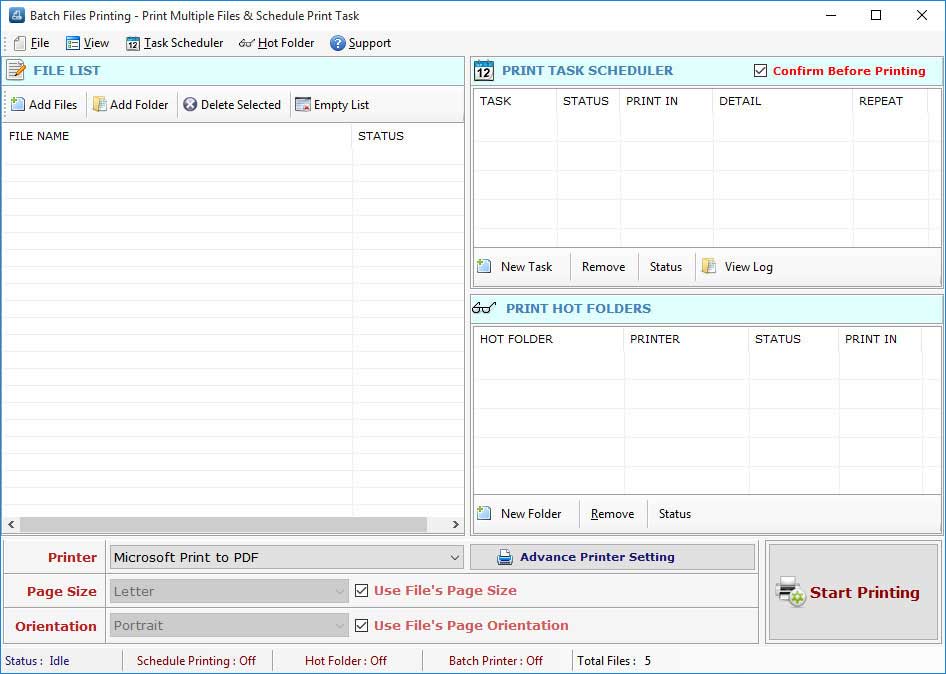
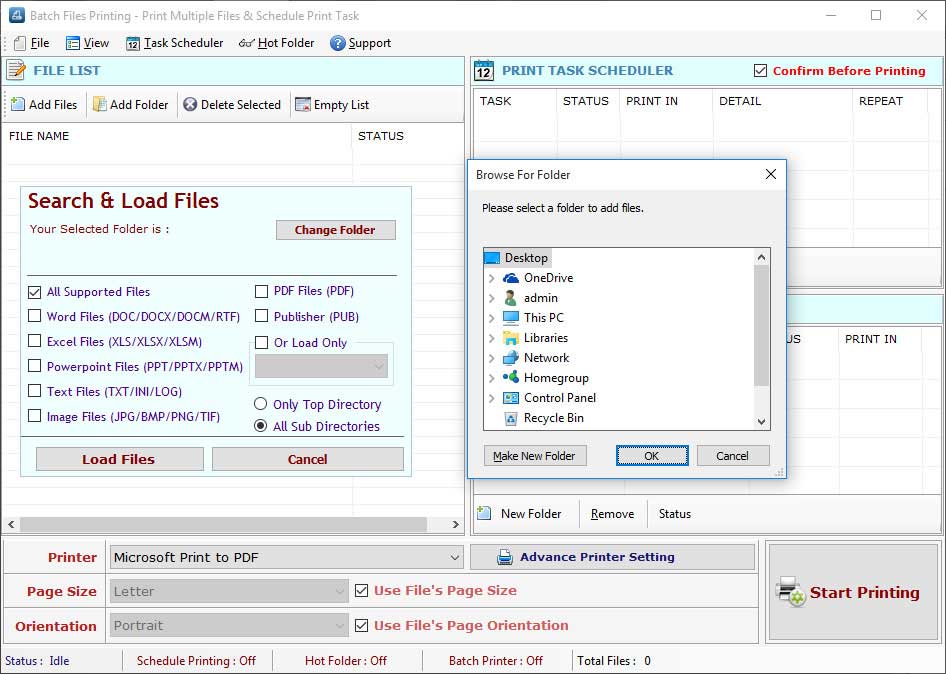
Select Files: You can select files those you want to print or schedule to print by just click "Add Files" button on the main windows. if you want to add a whose folder's files, you can add a folder that contains all files of any printable formats for print by "Add Folder" button as shown below....

Batch Files Printing

Batch Files Printing


Adding Files: There are many Options for add files from a folder... as

Batch Files Printing

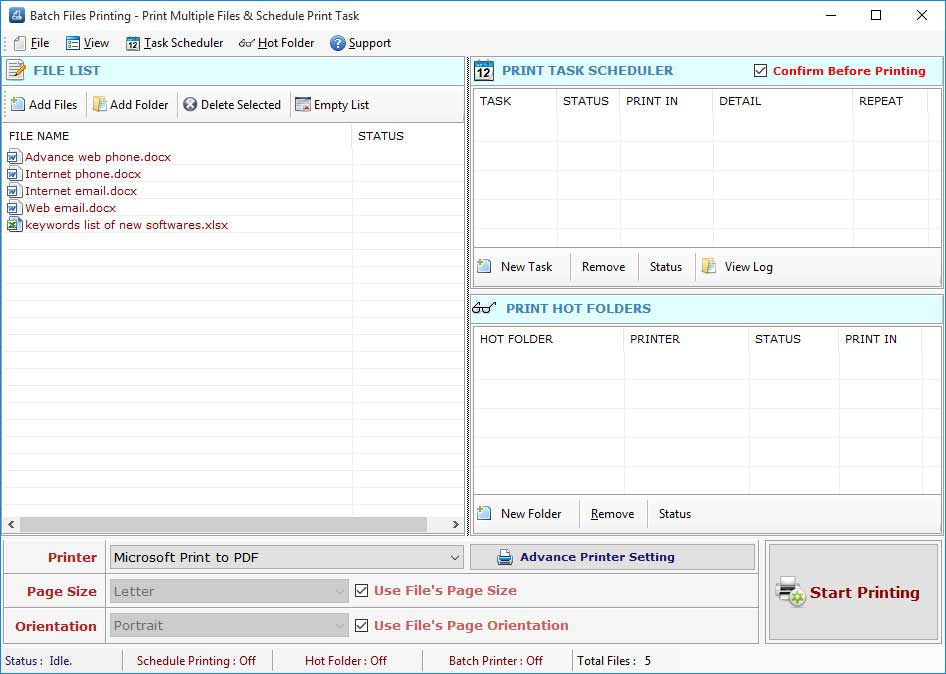
Removing Files: To remove single file from "files list", just select that file and press 'Clear Selected' button or Press the Delete Key. If you want to remove all files from Files List just press 'Clear' button.

Printer Settings: You can change printer settings to print the document as per your requirement you can select any printer if you are working on a network.

Batch Files Printing

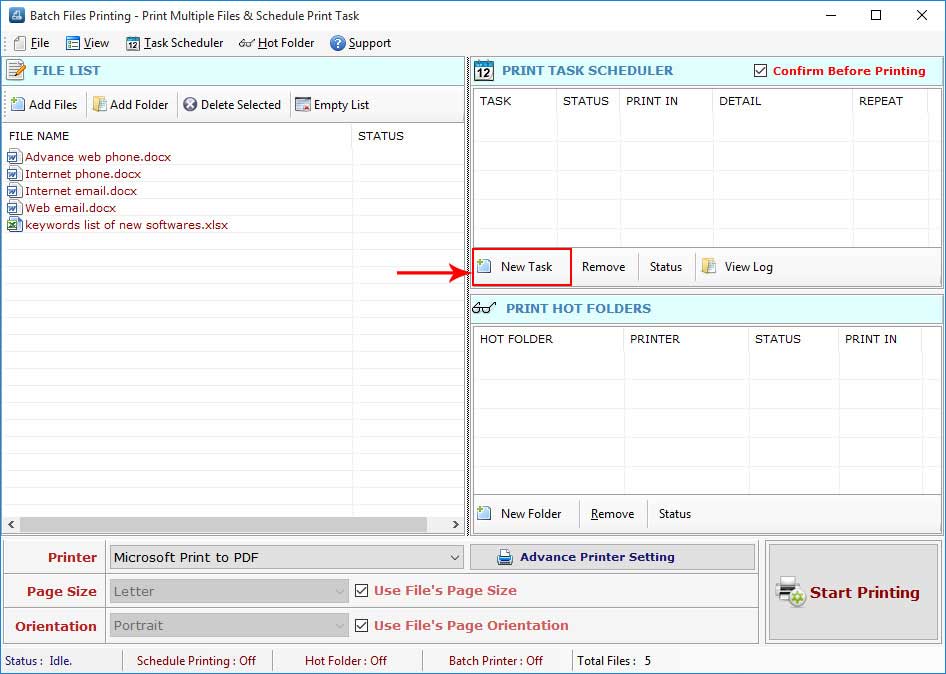
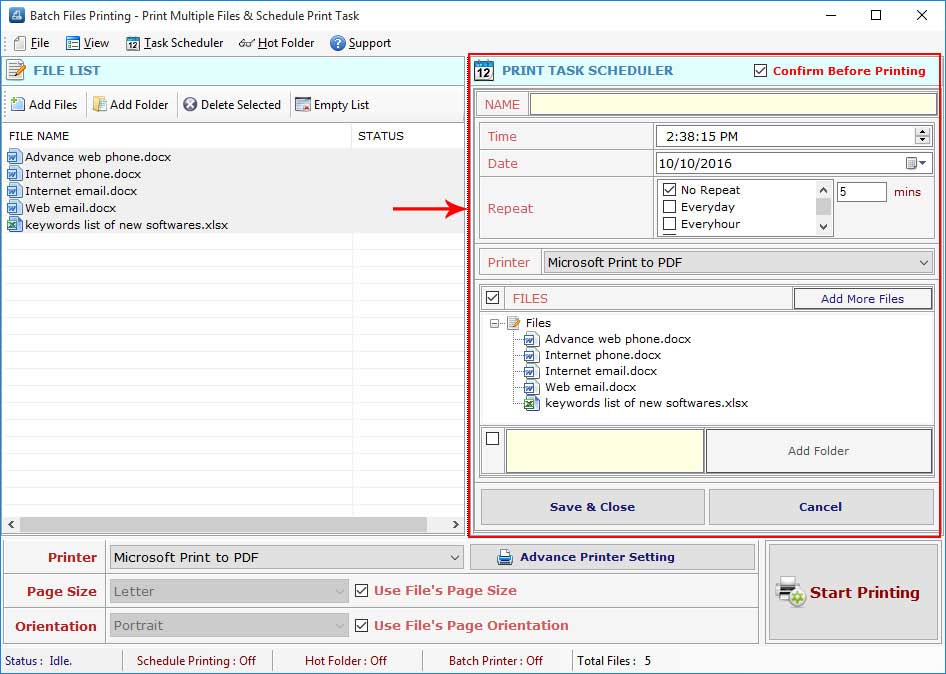
Scheduler: This tool support the scheduling printing of selected files for day, any time. please select the date and enter the time when you want to print your file, then please click ‘Add to List' Button to add your time in the sheduler then Press ‘Save/Close' Button' to save your date/time and option and close the scheduler.

Batch Files Printing

follow us on facebook
 
 
offer
 
offer
 
I bought Website Email Extractor software v3.8 and it worked perfectly for me for extract email id.This is the best and most affordable software on the Net.
~ Andrew Jones

Your software has increased my Excel capability tremendously and it is so cheap that I cannot believe it.
~ Susan

I was stuck with so many Emails on my Outlook and wanted to get all the Email addresses but was not finding the way out, Fortunately I found your unique software which could let extracts emails from my Outlook.
~ Dan Phillips

 
Go to Top