

|
a   Translation Ad


Email Extractor Outlook v3.7
(Screenshots & Help File)
Click on Video Tour button to go through an video based tutorial
1: Buy Registration
2: How it Works

Step 1: Registration
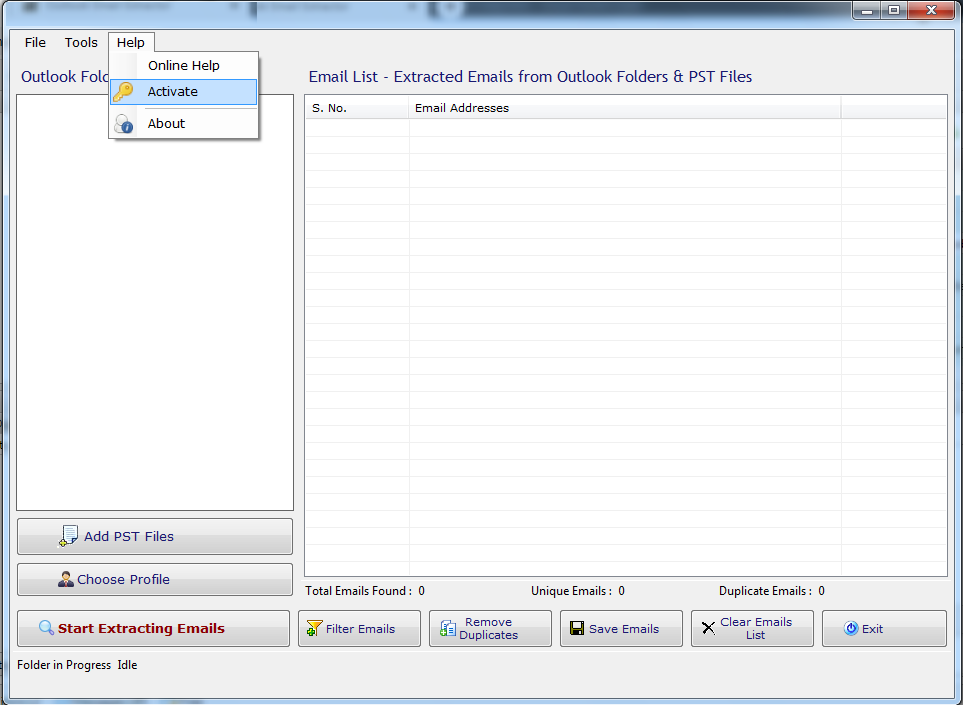
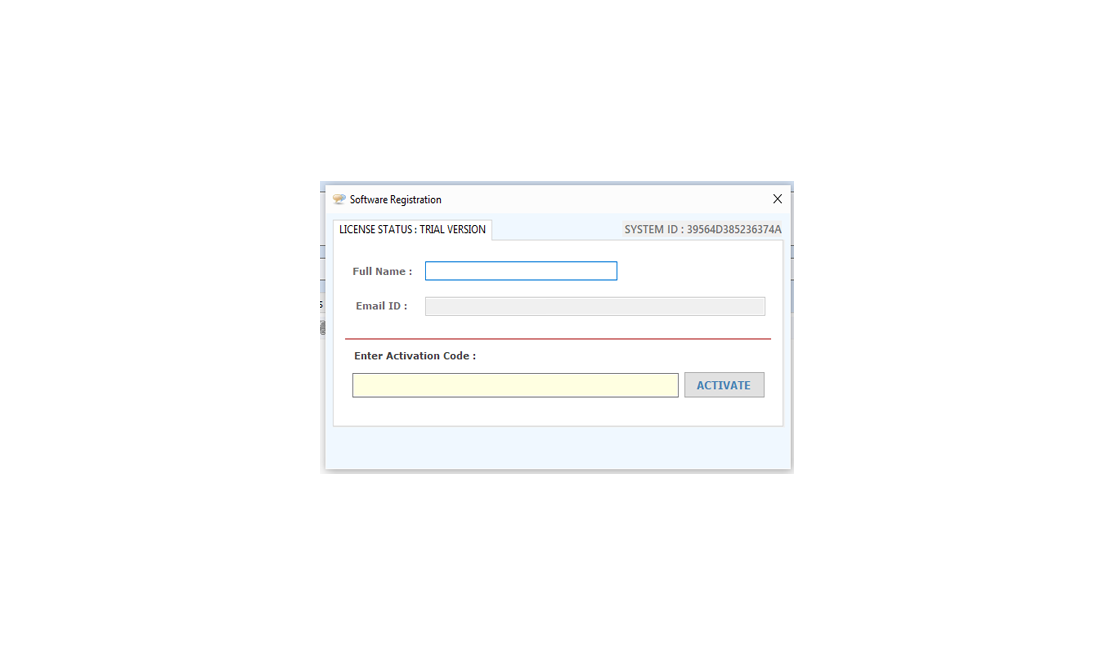
The screen shown as below will display in un-registered version every time.
registration

registration

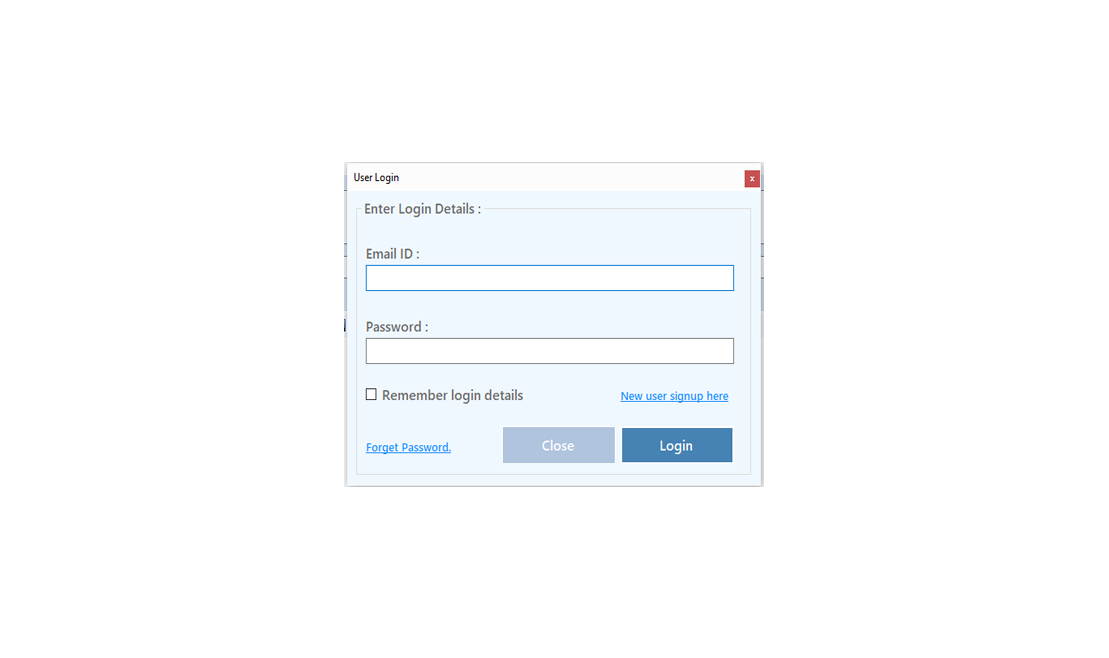
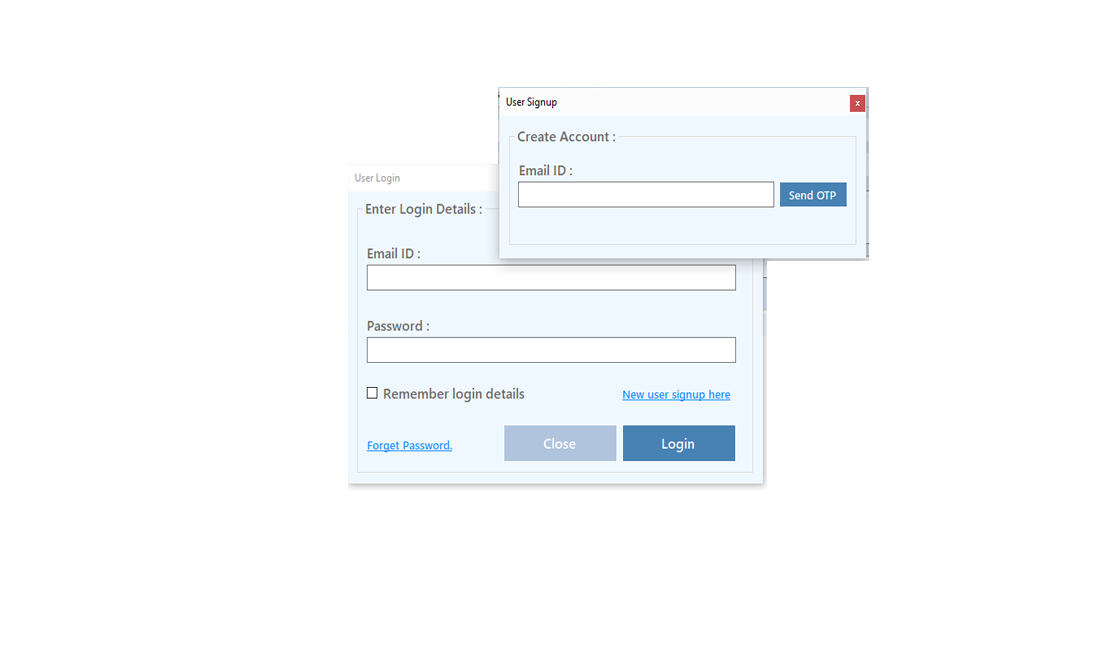
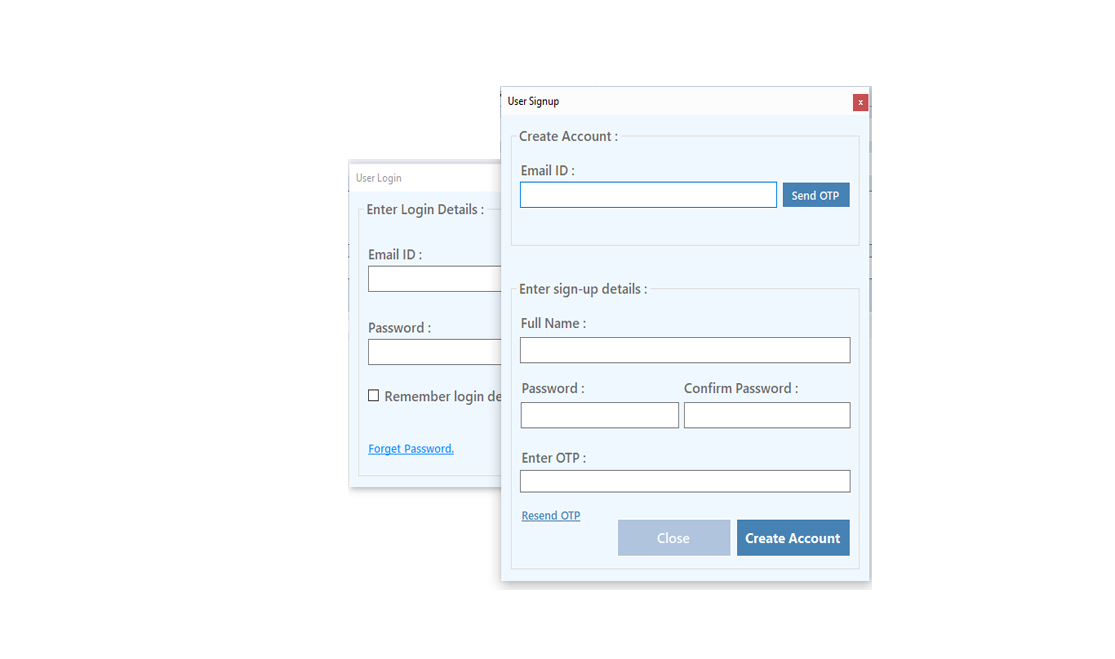
Register: To register the "Email Extractor Outlook" click on the "Register Now" Button and fill the Registration Detail with the Activation Code.

Buy : You have to Buy "Email Extractor Outlook" to get Activation Code. You Can Buy it From our Site by Clicking on "Buy Email Extractor Outlook" button.

Try Demo: You can use demo version of "Email Extractor Outlook" by clicking on "Try Demo" Button.

Download Links
Download
Download
Info
version
3.7
File Size
976 KB
 Price
US $ 24.95
Buy
buy now
Support
Excel Data Cleaner Add-in Support
We Accept
cards


How to use Email Extractor Outlook
Extract Email Addresses from Microsoft Outlook:
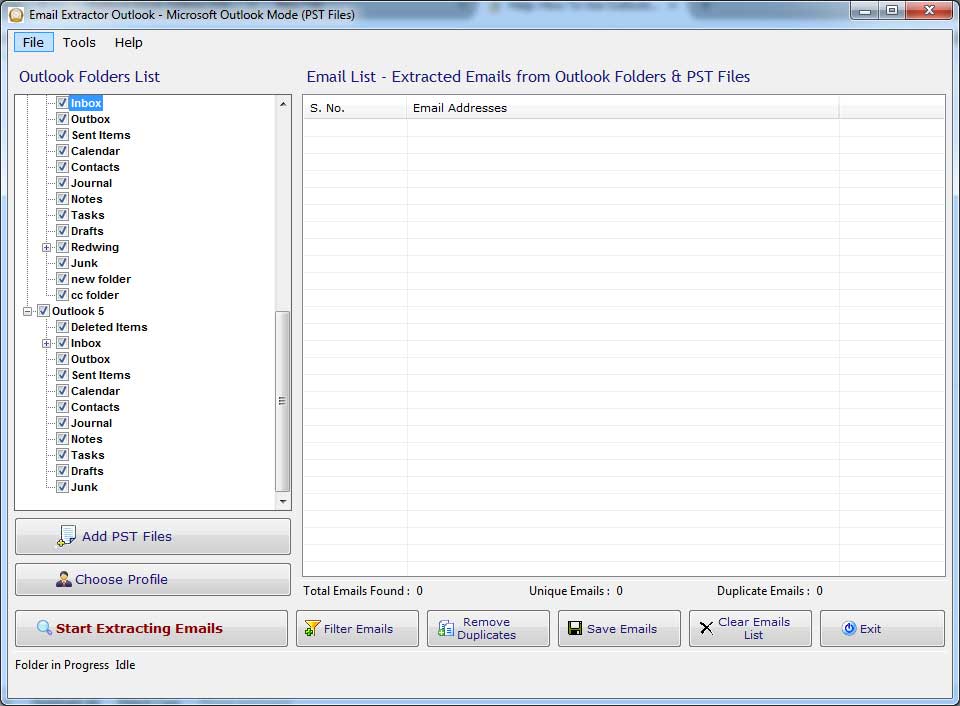
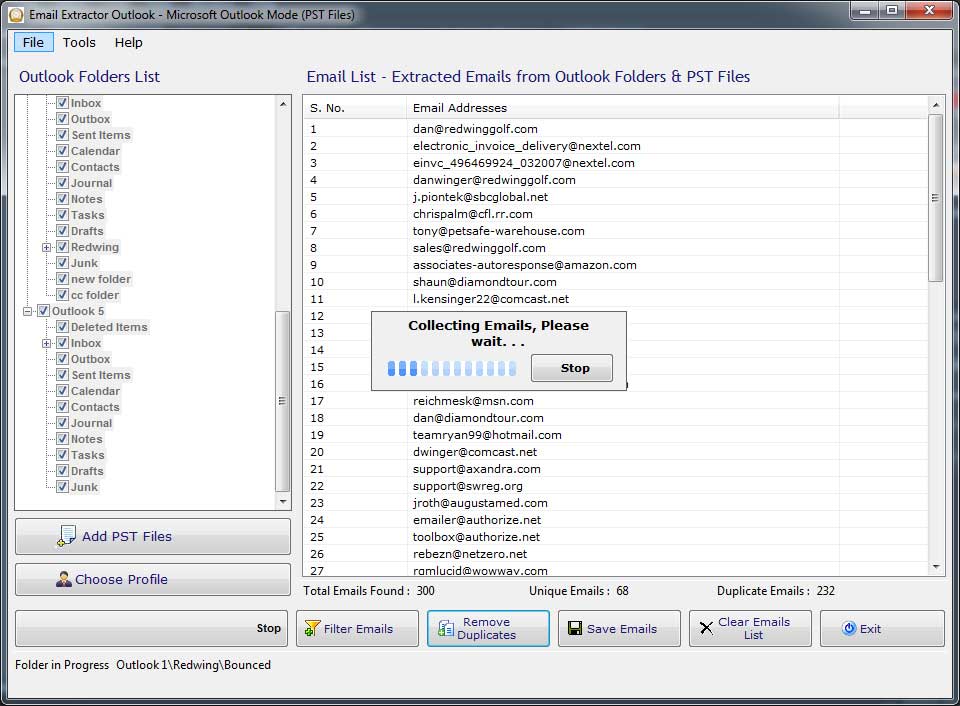
  • When you run the Email Extractor Outlook, it will ask you to choose a profile in Microsoft Outlook.
  • Select a profile and click "Ok" button.
  • It will show you all "Personal Folders" from selected profile in a Tree Structure.
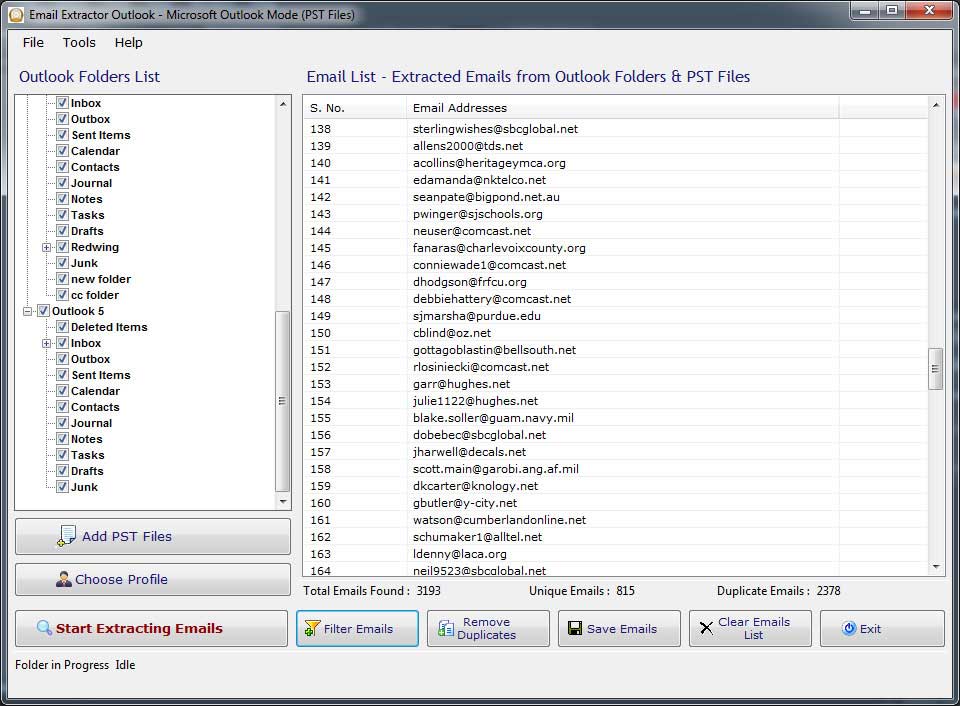
  • Check (Select) the Folder(s) from the Folders Tree and then click "Start Extracting Emails" button.
  • Extraction of Email Addresses from the selected (checked) folders will be start.
  • Process can be stopped whenever you like just click the "Stop" button.

Email Extractor Outlook

Email Extractor Outlook

Choose\Change Microsoft Outlook Profile Settings:
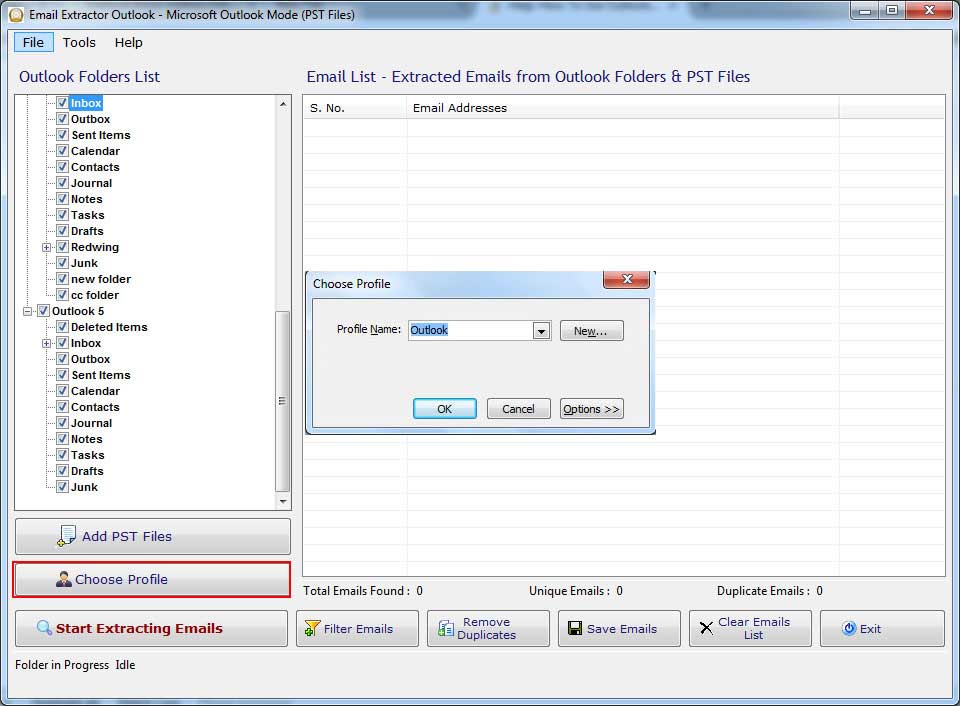
  • Before changing the selected profile, please save extracted email addresses and close all open Microsoft Outlook explorer and click "Choose Profile" button.
  • Choosing the profile Clears all mail folders showing in the tree structure.
  • "Choose Profile" dialog will be shown like below.
  • Select available profile from "Choose Profile" dialog box and click "Ok" button.


Email Extractor Outlook

Add .PST Files to the Profiles:

  • Open "Add .PST files" button on the main window of the software.
  • Select .PST files from the Hard-drive.
  • Selection of .PST files re-fills all mail folders(Personal Flders) of the .PST files.
  • Now you check folders from the Tree structure on left panel for extract emails.

Settings for Email Extractor Outlook:

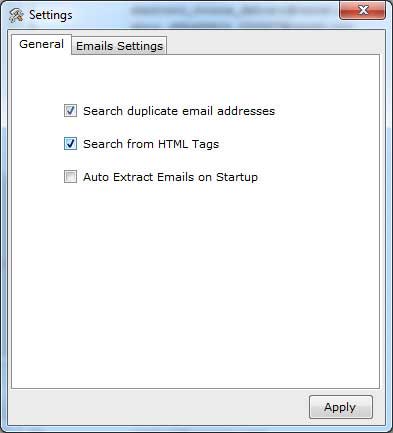
  • For settings, choose "Tools-> Options..." menu....
  • in the settings window you can set "Search for Duplicate Email Addresses" and "Search from HTML Tags".
  • "Search from HTML Tags" option allows this software to search emails from HTML tags also. Due to this option searching may take time then usual.
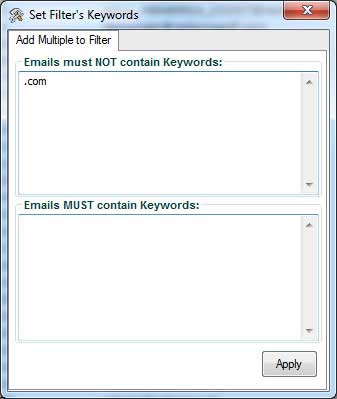
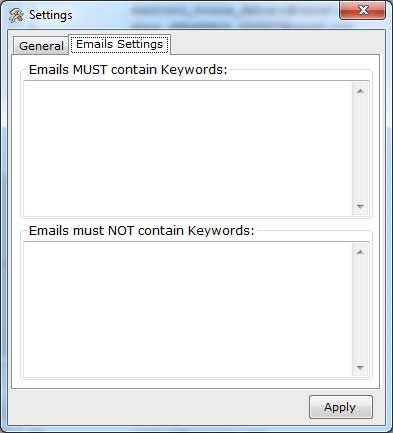
  • Emails Settings helps you to get a clean list of emails by removing unwanted emails.
  • Enter the
  • keyword those you don't want in emails or specify keyword those must be in emails.

Email Extractor Outlook

Email Extractor Outlook

Save Extracted Email Addresses :

Extracted email addresses can be saved after buy the software. If you have registered version of "Email Extractor Outlook" then Extracted Email Addresses can be saved in different formats such as .CSV (Opens in Excel), Tab Delimited and .txt files.
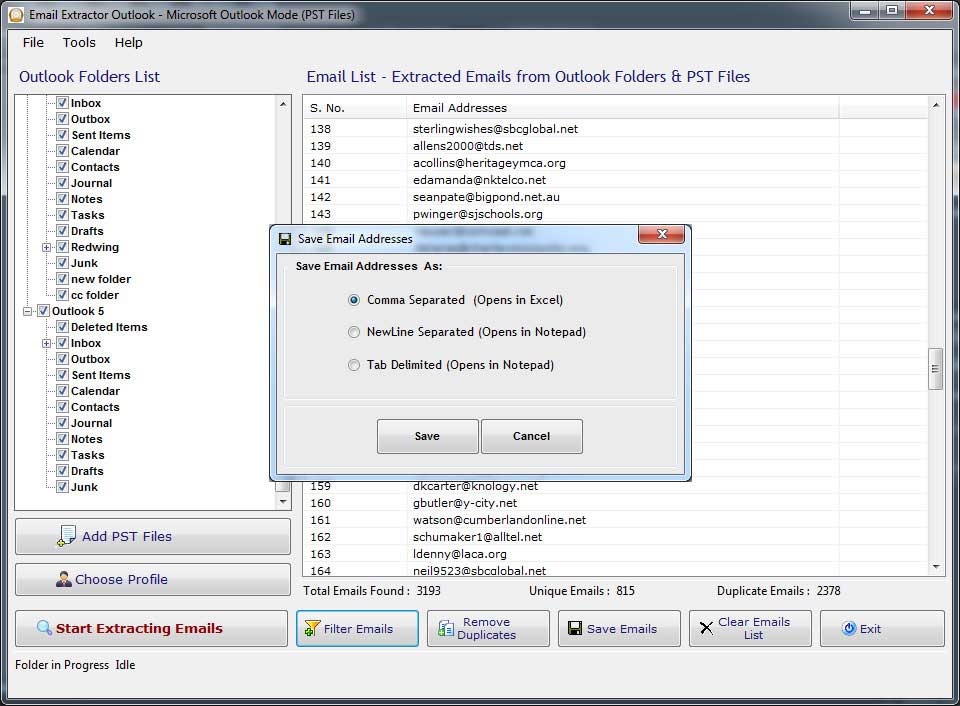
Email Extractor Outlook
 
follow us on facebook
 
 
offer
 
offer
 
I bought Website Email Extractor software v3.8 and it worked perfectly for me for extract email id.This is the best and most affordable software on the Net.
~ Andrew Jones

Your software has increased my Excel capability tremendously and it is so cheap that I cannot believe it.
~ Susan

I was stuck with so many Emails on my Outlook and wanted to get all the Email addresses but was not finding the way out, Fortunately I found your unique software which could let extracts emails from my Outlook.
~ Dan Phillips

 
Go to Top