

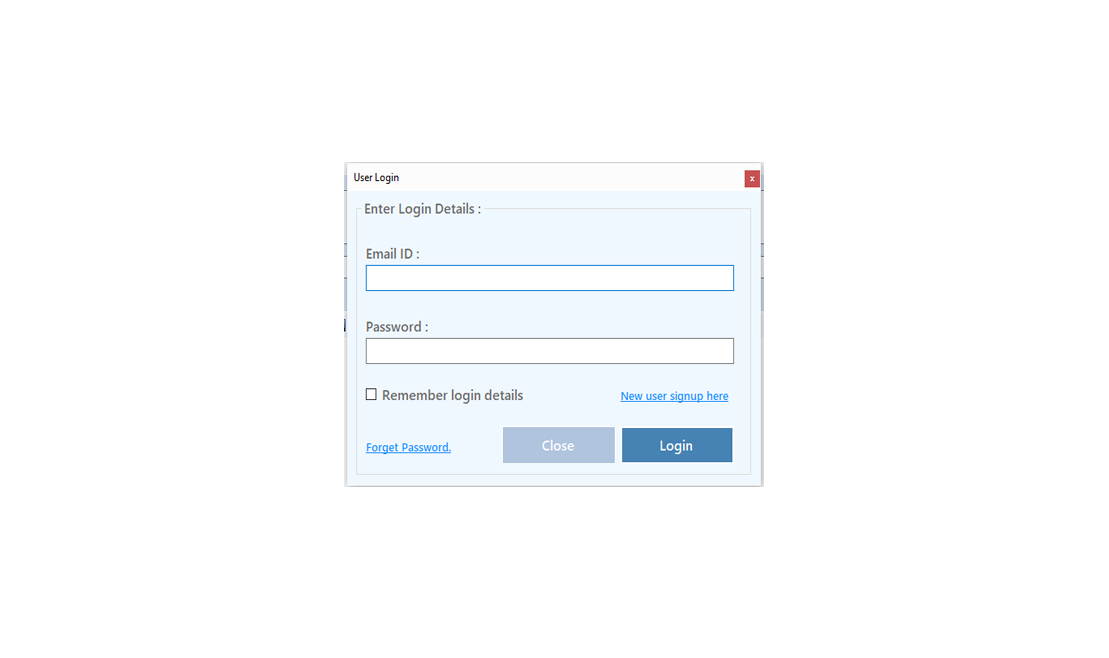
To Improve user Experience and Security we Introduce Signup and login Feature in our Software.
Step 1: Sighup
Click on New User Signup Link
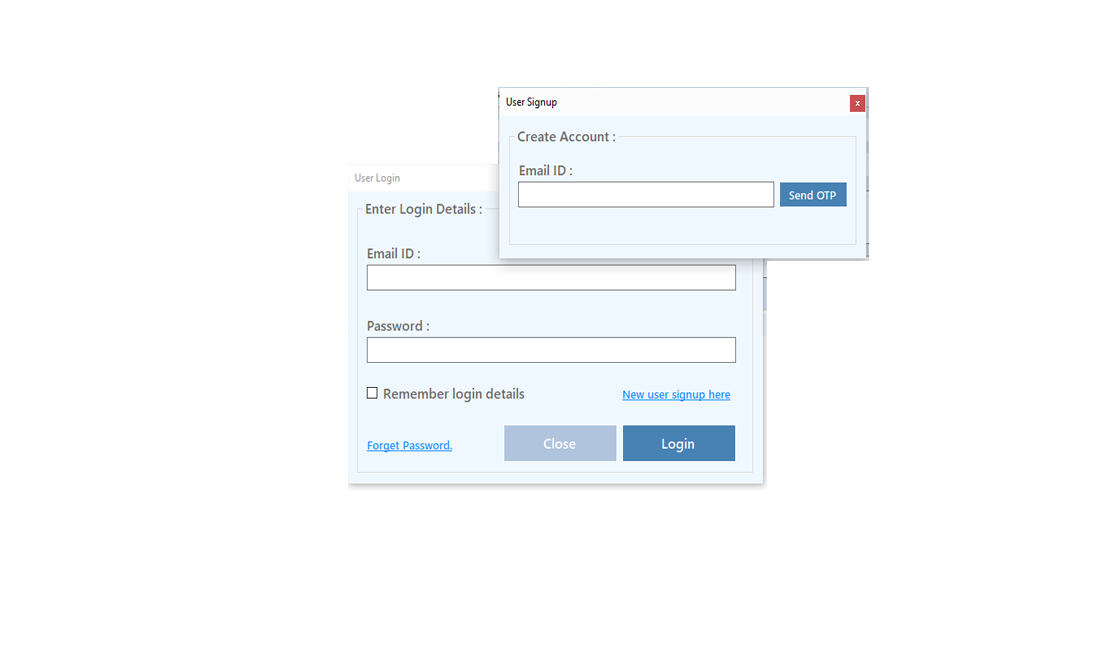
Enter your Email and click on Send OTP Button
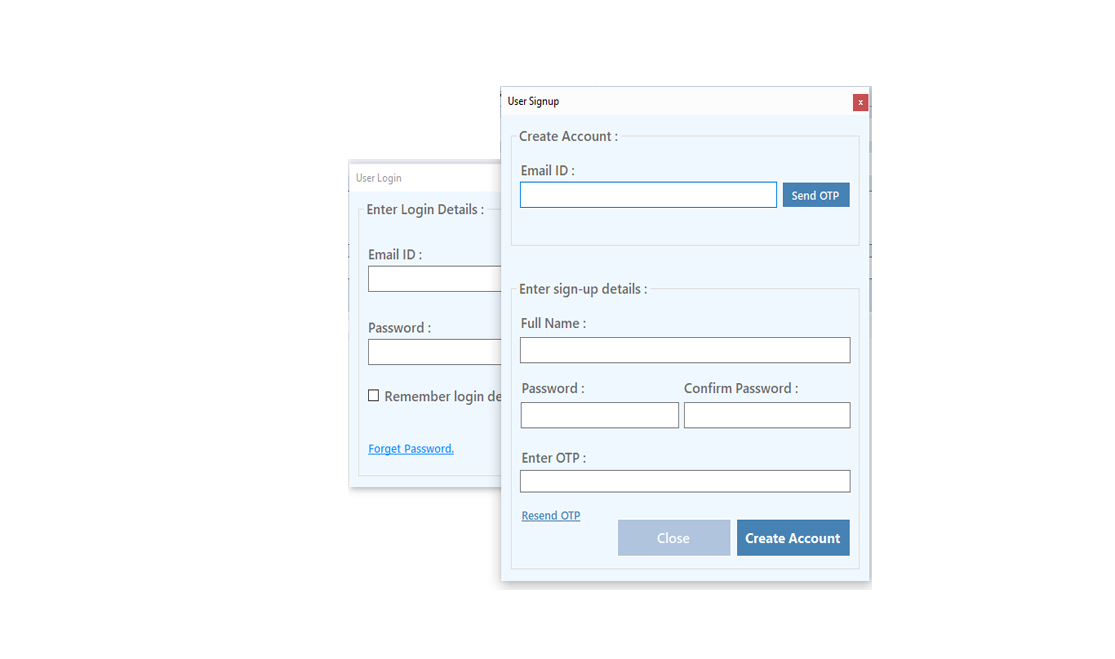
Enter OTP and Fill Details then click onCreate Account Button
Step 2: Login Your Account
After Login you can Activate your license. The License will Assigned on the Email and always will work with that email.You can't assign license to other email after activation.
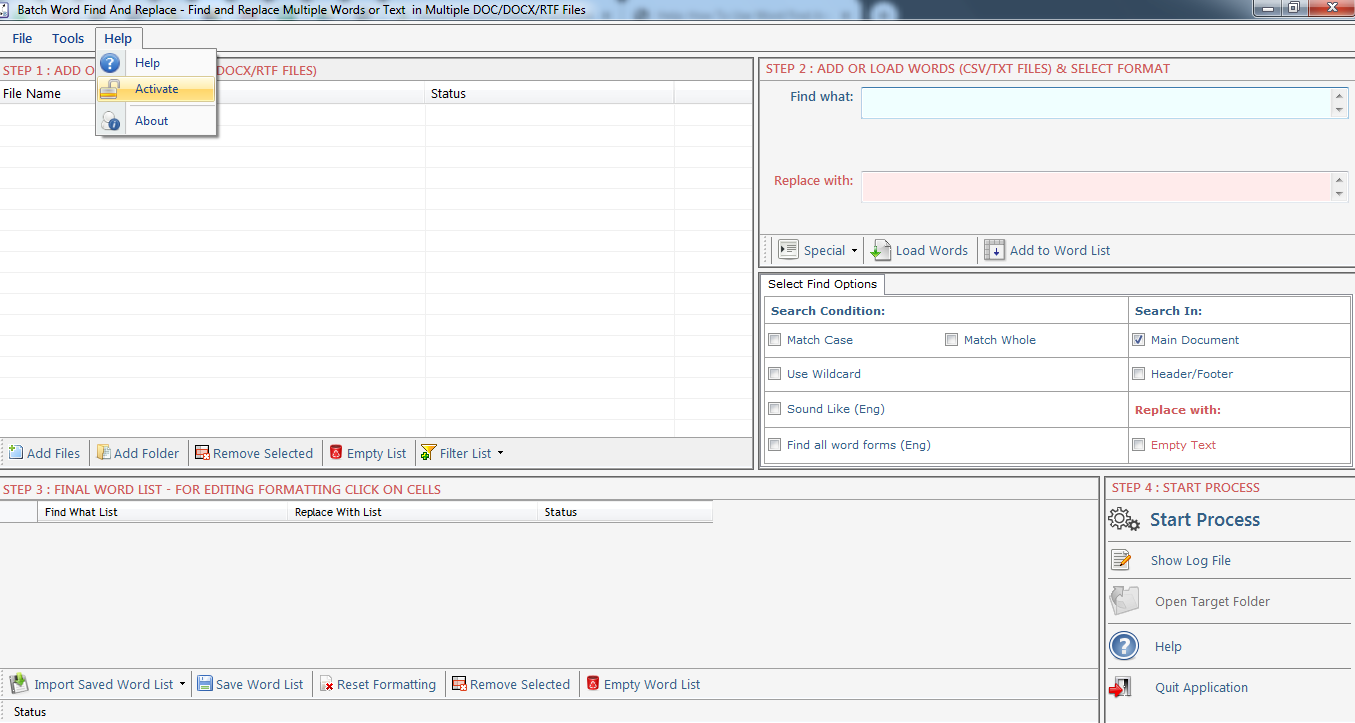
Step 1: Visit Help Menu and Select Activate
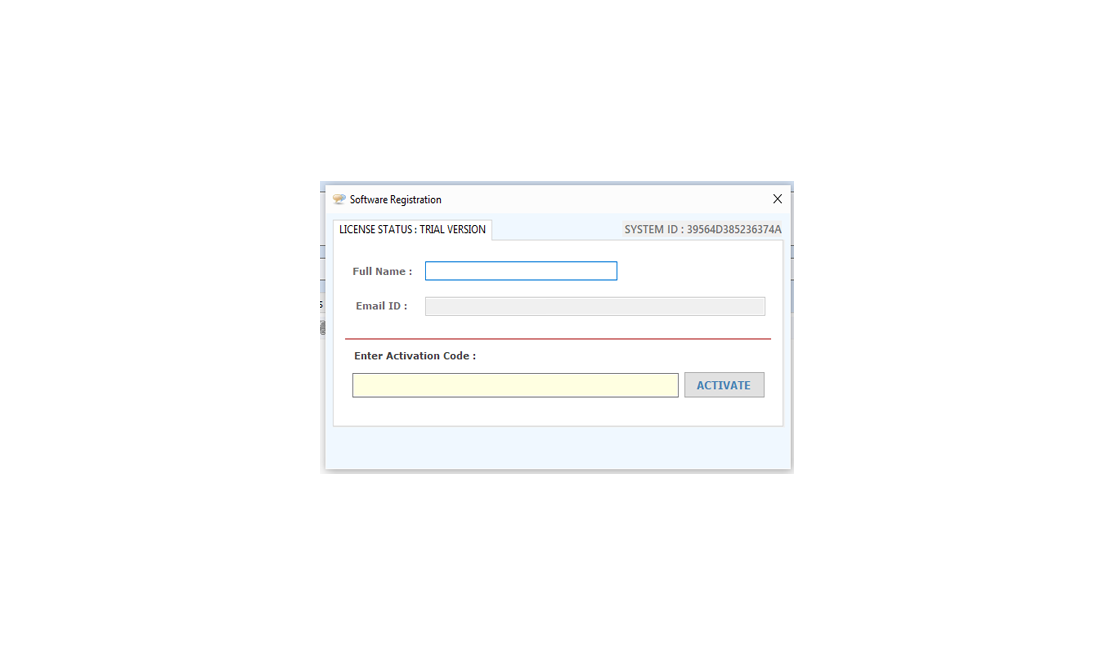
Step 2: Enter the License Key then Click on Activate Button
Word Count Mini is an easy to use word count tool, you can go through this help manual and learn how you can use Word Count Mini.
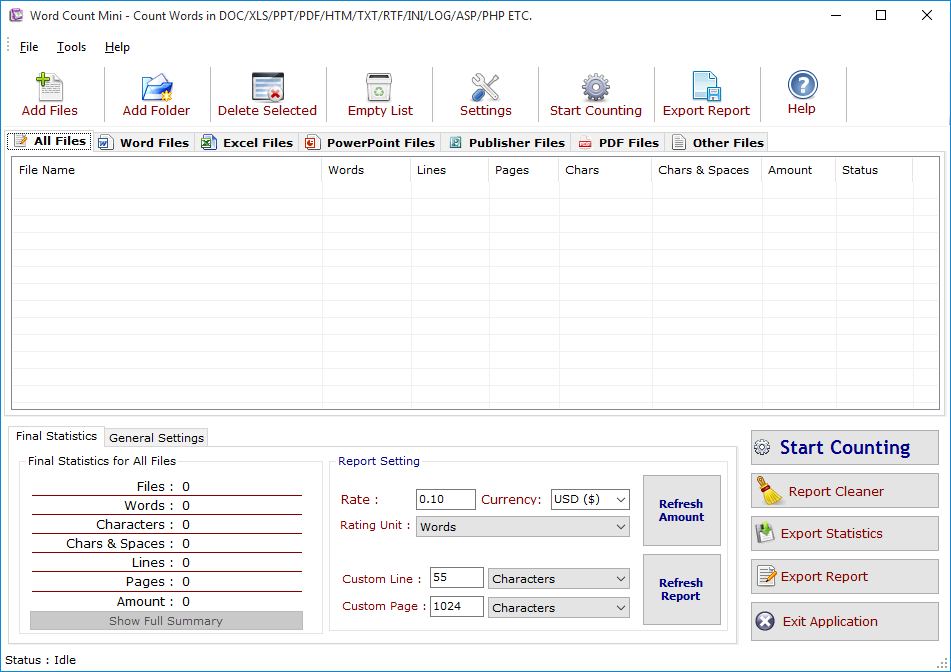
Add Files -Click on "Add Files" button to open file dialog box select files you want to add, you can select multiple files of different formats supported by WCM.
Add Folder-Click on "Add Folders" button to open folder dialog box select folders you want to add and press ok after that a "Search & Load Files"
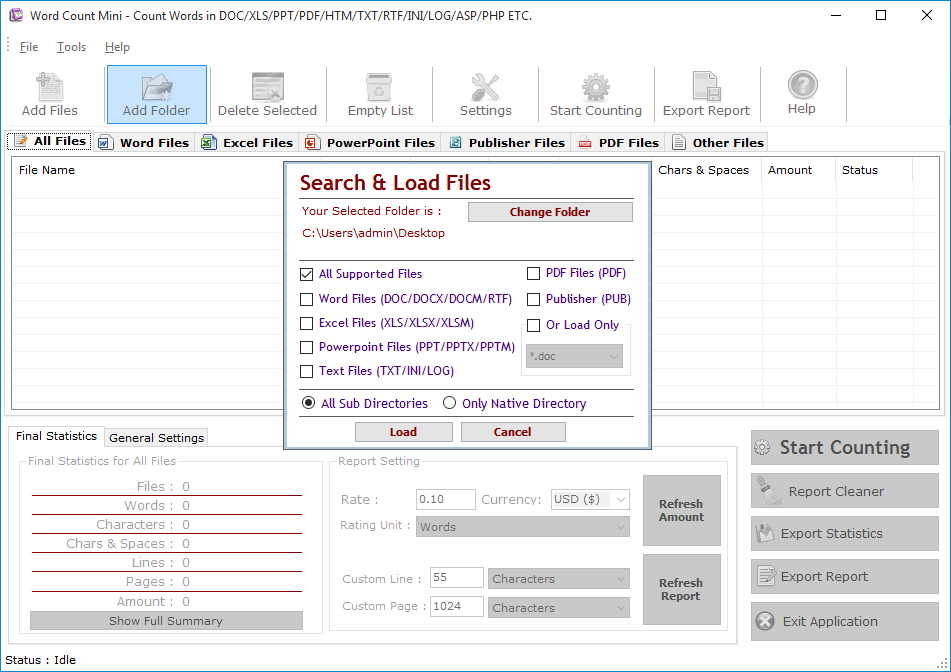
Click on "Change Folder" button if you want to select different folder. If you want to search and load all supported files select "All Supported Files" or if you want to search and load only Word Files or Excel Files turn both option on after that checked "Only Native Directory" if you wish to load files from only the top directory not from its sub directories and their sub directories, finally press Load to load files in All Files List.
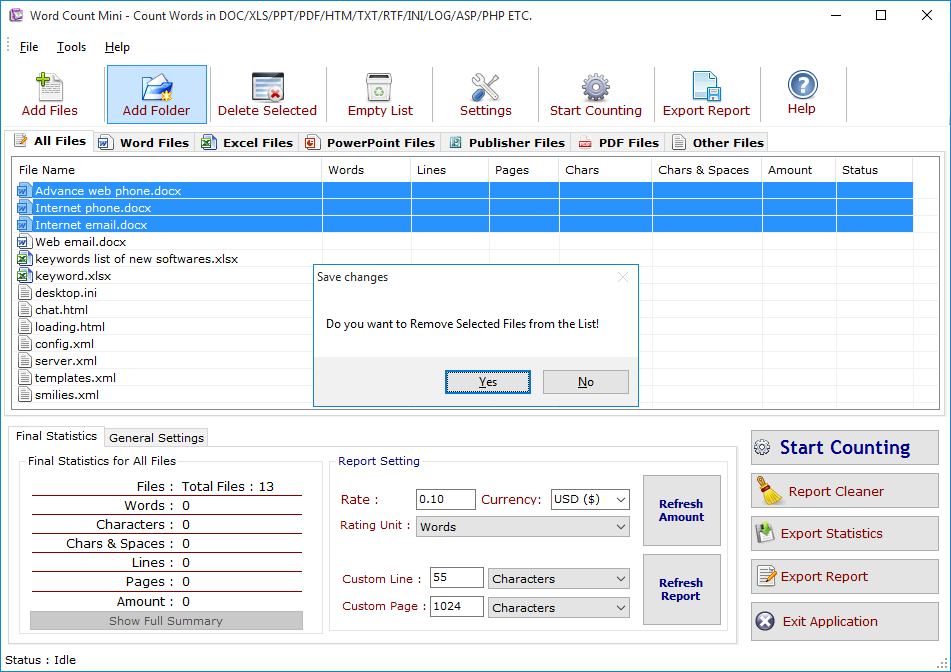
Delete Selected : You can remove the selected files from the file list, to select multiple files in file list use Ctrl or Shift key. You can also remove files by pressing CTRL+DEL key from Keyboard.
Empty List : You can remove all files from the file list, it will alert you before removing all files.
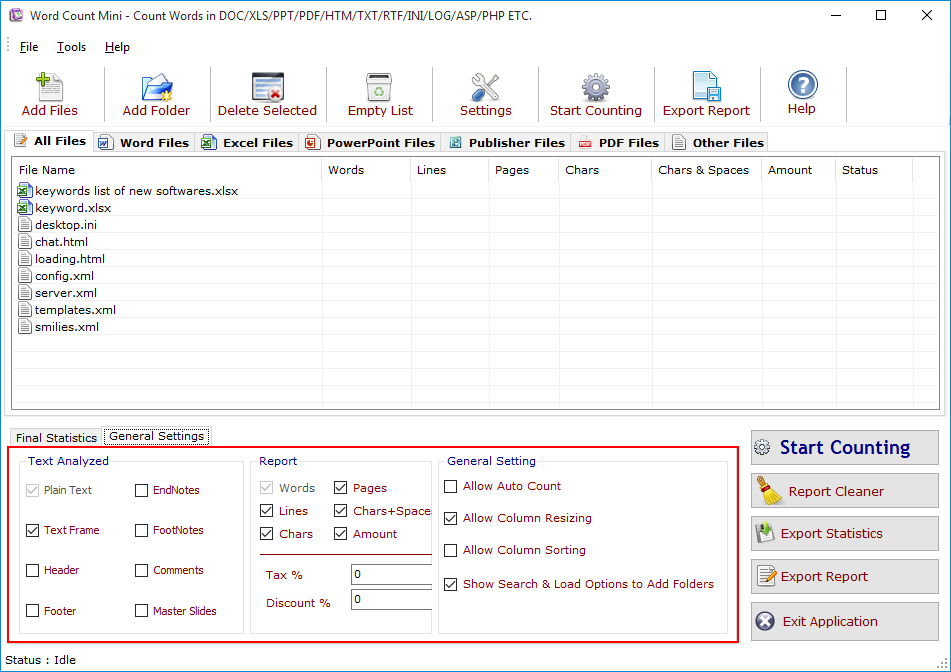
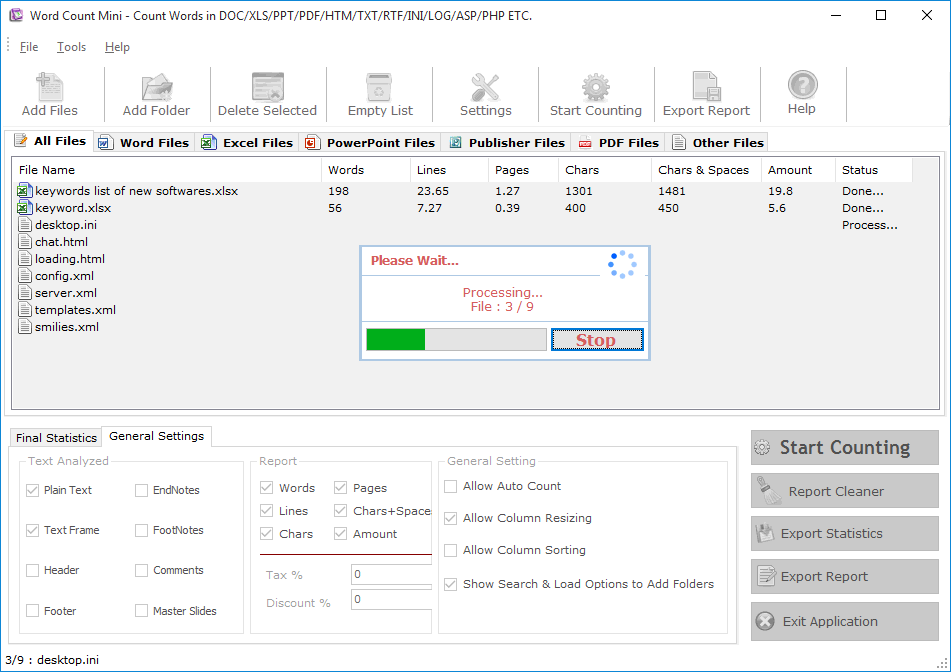
Final Statistics: You can see Final Statistics below. It has 3 Sections,
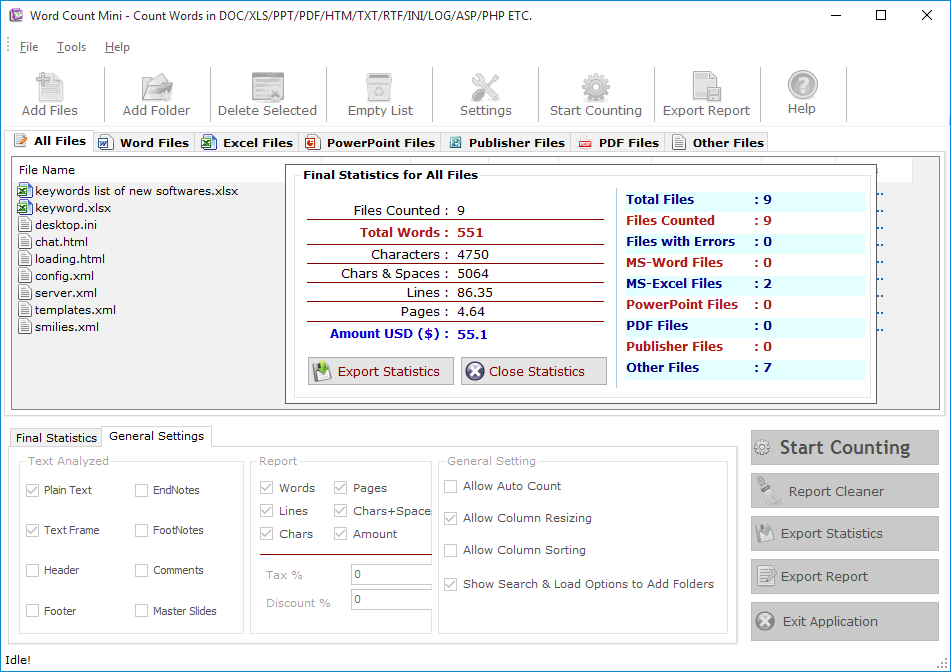
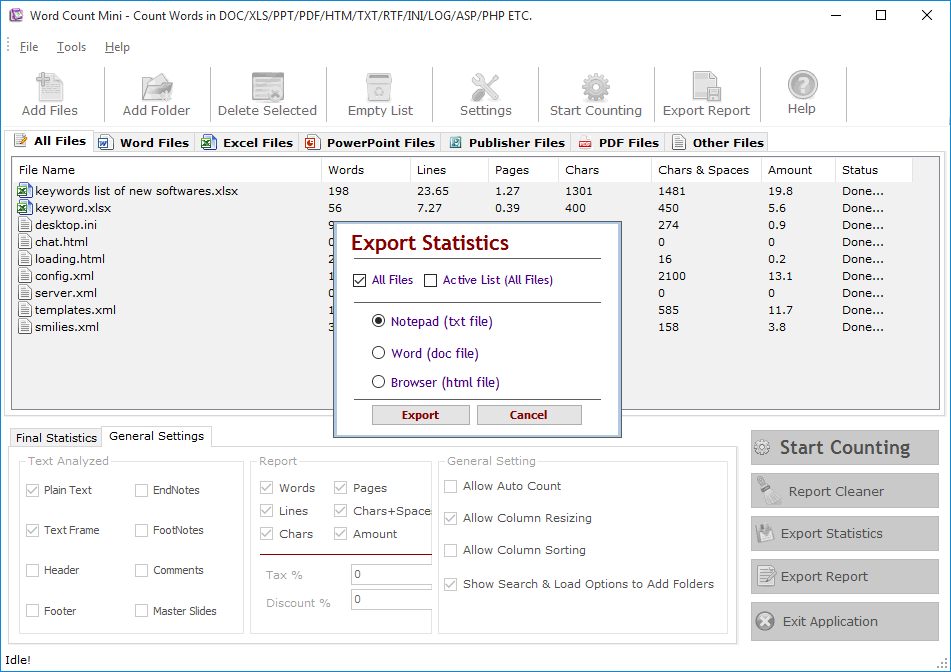
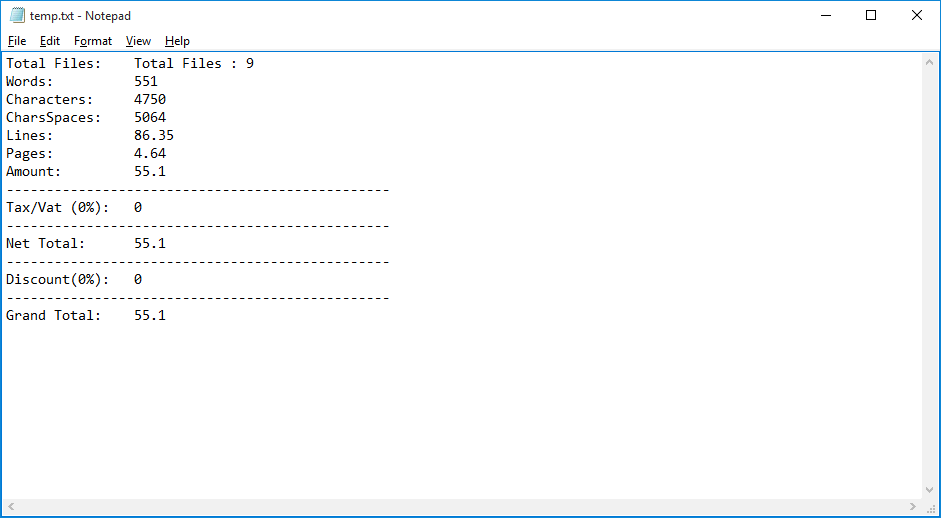
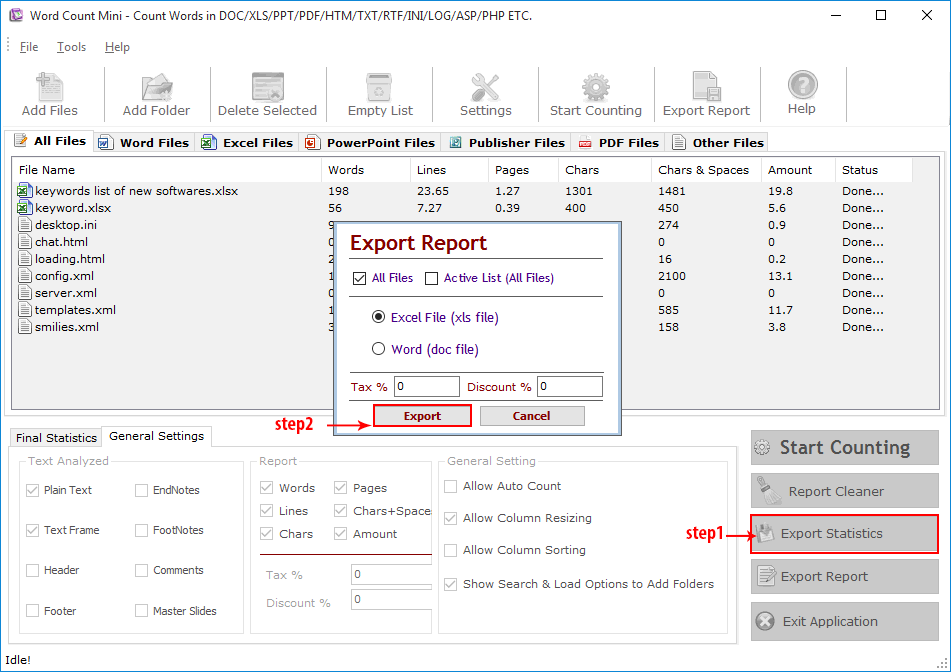
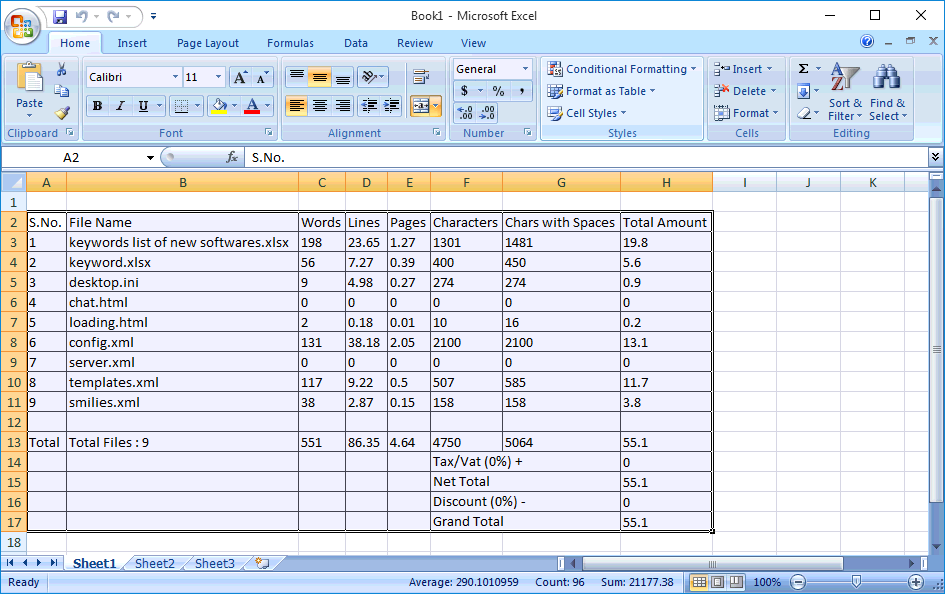
Export Report:You can Generate and Export the Final Processed Files to Excel and Word.
Visit: https://neurane.com/user/ Now Login
Step 1 : Click on License Panel -> Manage License
Step 2 : Find License Key and then Click on Deactivate


Copyright © Technocom