


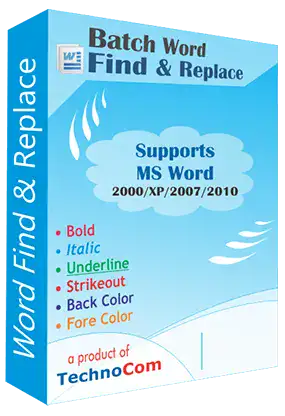
The Batch Word Find & Replace software is a valuable tool designed to efficiently locate and replace multiple words within various MS Word files (doc, docx, rtf) across different versions like 2000, 2003, 2007, and 2010. This tool allows users to conduct Find & Replace operations with different criteria for each word, enhancing its flexibility.
The latest version of the software has been significantly improved for enhanced efficiency, ease of use, and bug fixes. Notably, the introduction of Unicode Support and the implementation of step-wise processing contribute to a more user-friendly experience.
Its primary utility lies in its ability to find and replace multiple words within a vast number of MS Word files (docx, doc, rtf) swiftly. Moreover, it supports a wide array of languages, including but not limited to Marathi, Japanese, Chinese, Telugu, Korean, Italian, Arabic, Urdu, Persian, Hindi, Gujarati, Punjabi, and many others, making it versatile and inclusive.
The tool's rapid processing capabilities enable the handling of thousands of MS Word files in a short span of time. The step-wise processing feature simplifies navigation, making it more convenient for users to navigate through the process seamlessly.
This software is compatible with Windows 7, Windows 8, and Windows 10, providing users with a wide range of operating systems to utilize its functionalities effectively. Ultimately, it serves as a valuable tool for efficiently finding and replacing multiple words across numerous MS Word files, offering enhanced usability and support for various languages.
How it works :
System Requirements:




Copyright © Technocom